How to convert MKV to MP4 on Windows, free and offline
MKV files play in some players, but many phones, TVs, video editors and messaging apps want MP4. Converting one doesn't mean uploading your video to a website: onezVideoConverter does it on your PC, for free, with no watermark.
Steps
- Download onezVideoConverter for Windows: an installer or a portable ZIP. It is free.
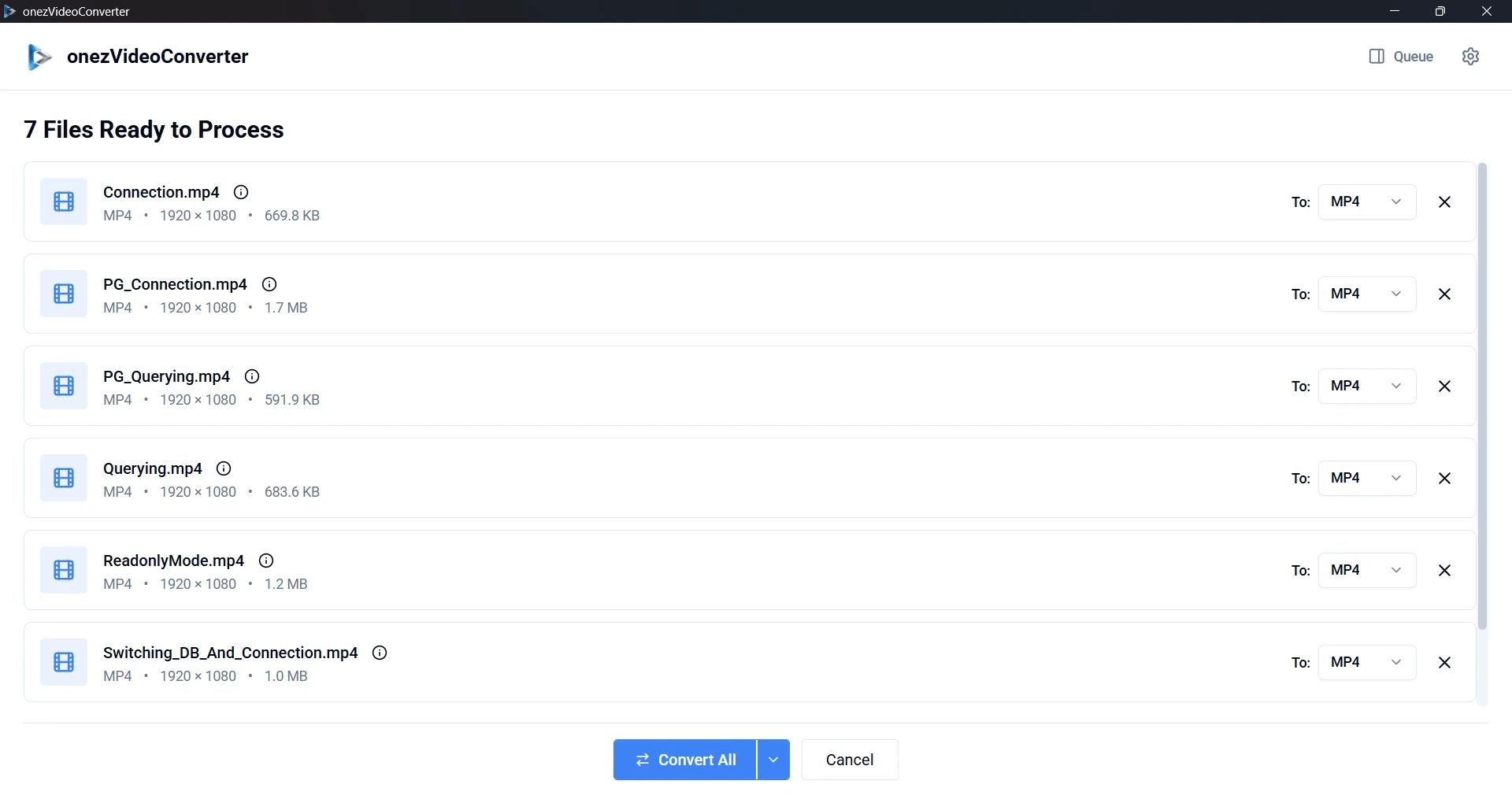
- Drop your MKV files on the window, or click it to browse. You can add many at once.
- Next to each file, set To: to MP4.
- Click Convert All. The Queue shows each file's progress.
- The MP4 files are saved to your output folder. You can choose it under Default Output Location in Settings.
Does it lose quality?
Not when it can be avoided. onezVideoConverter first copies the video and audio into the MP4 as they are, which is fast and changes nothing in the picture or sound. If the MKV holds streams an MP4 can't carry as they are, it re-encodes them instead, which takes longer.
Other conversions
The same steps convert MOV, AVI, WebM, FLV and MPEG to MP4, or between any of them. To keep only the sound, pick MP3, WAV, AAC, FLAC, OGG, M4A or Opus. To make a file smaller instead, choose Compress from the arrow on the Convert button and pick low, medium or high compression.
Why convert offline
- Your videos stay on your PC. Nothing is uploaded, and no data is collected.
- No file size limits, no waiting in an online queue and no account.
- No ads and no watermark on the result.